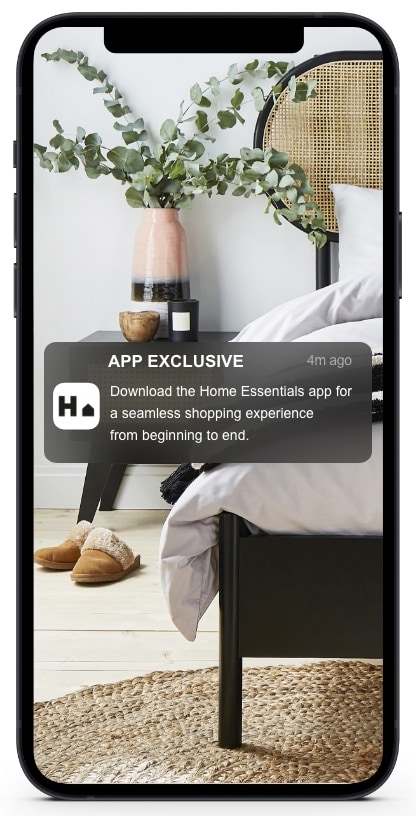
Notifications mean you'll never miss an amazing deal.

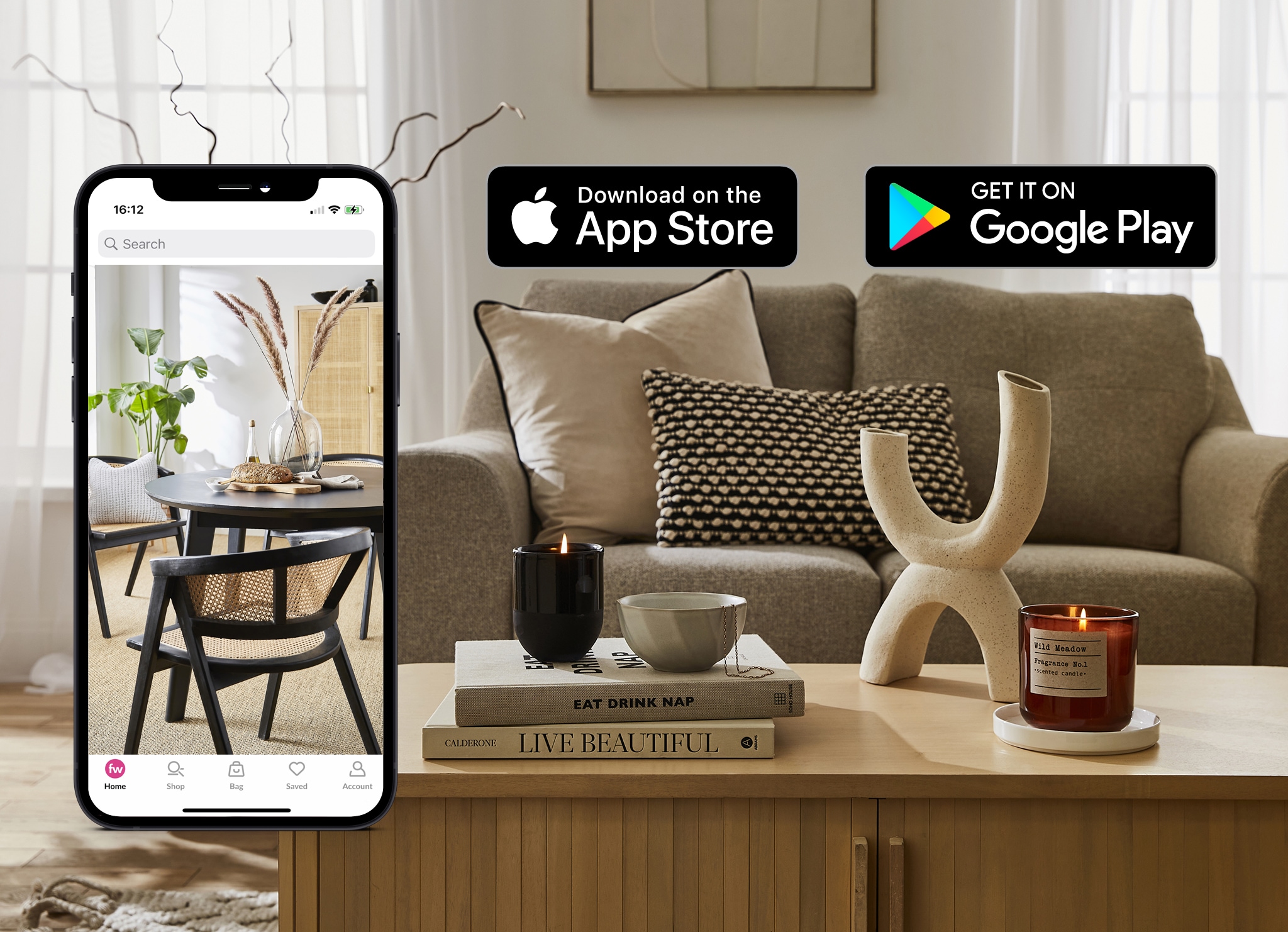
DOWNLOAD OUR APP
For the latest updates & exclusive offers.

How to Scan a QR Code
1. Open the QR code reader/ camera on your phone.
2. Hold your device over a QR code so that it’s clearly visible within your smartphone’s screen.
The phone automatically scans the code or, if necessary, press the button or link that appears.
REASONS TO LOVE OUR APP
Notifications mean you'll never miss an amazing deal.
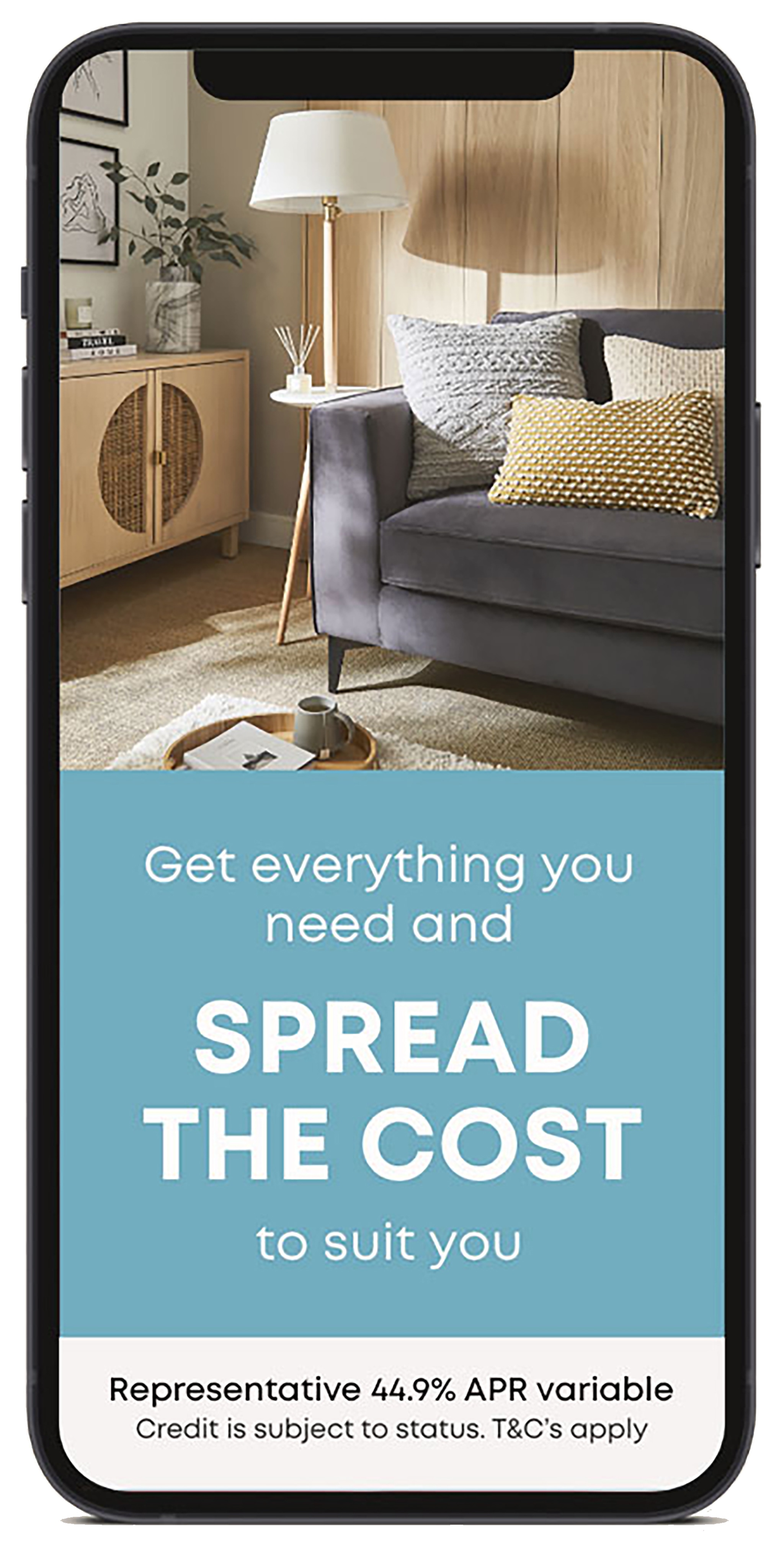
Pay your way and never miss a payment
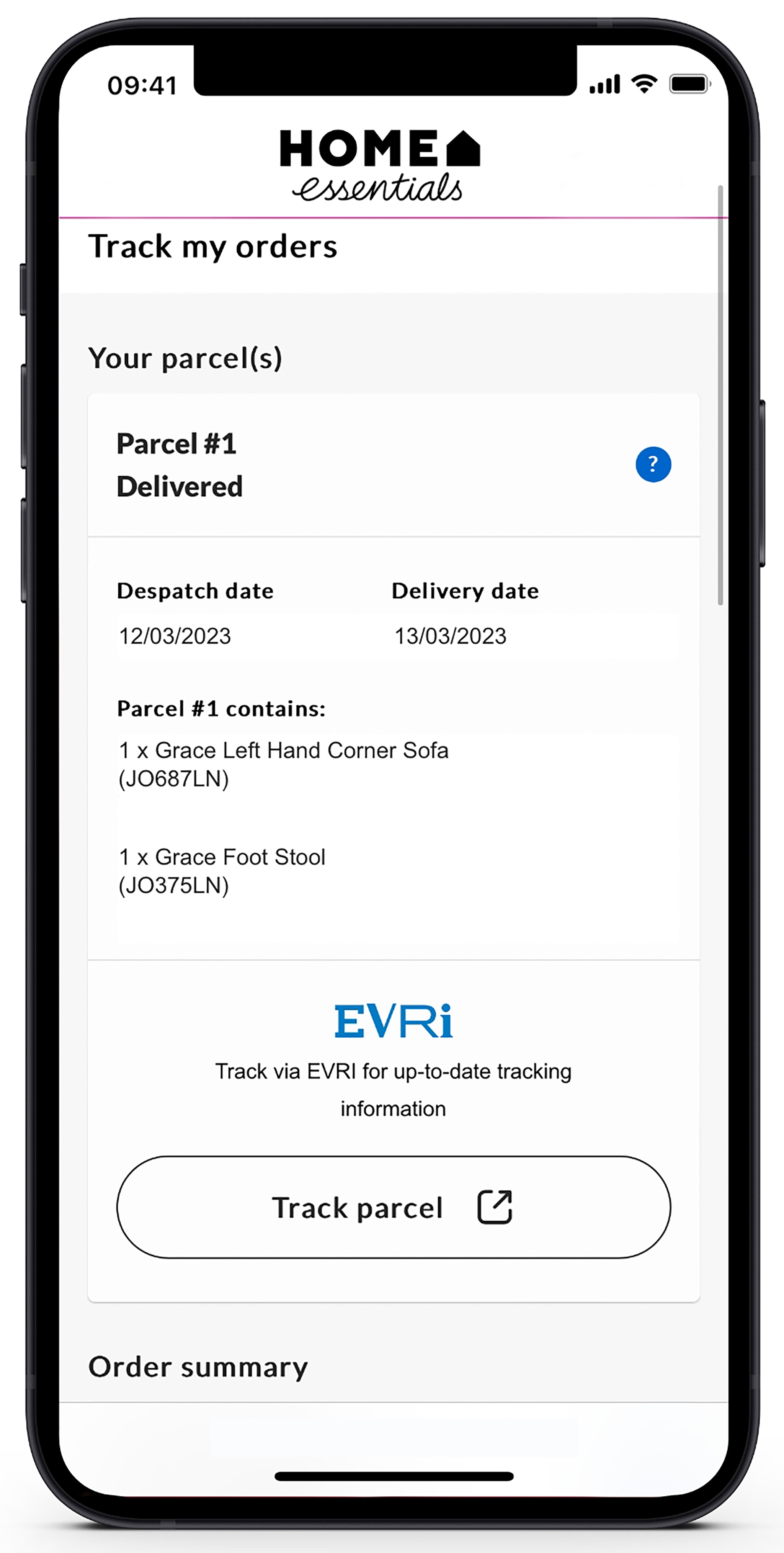
Tracking and delivery that works for you
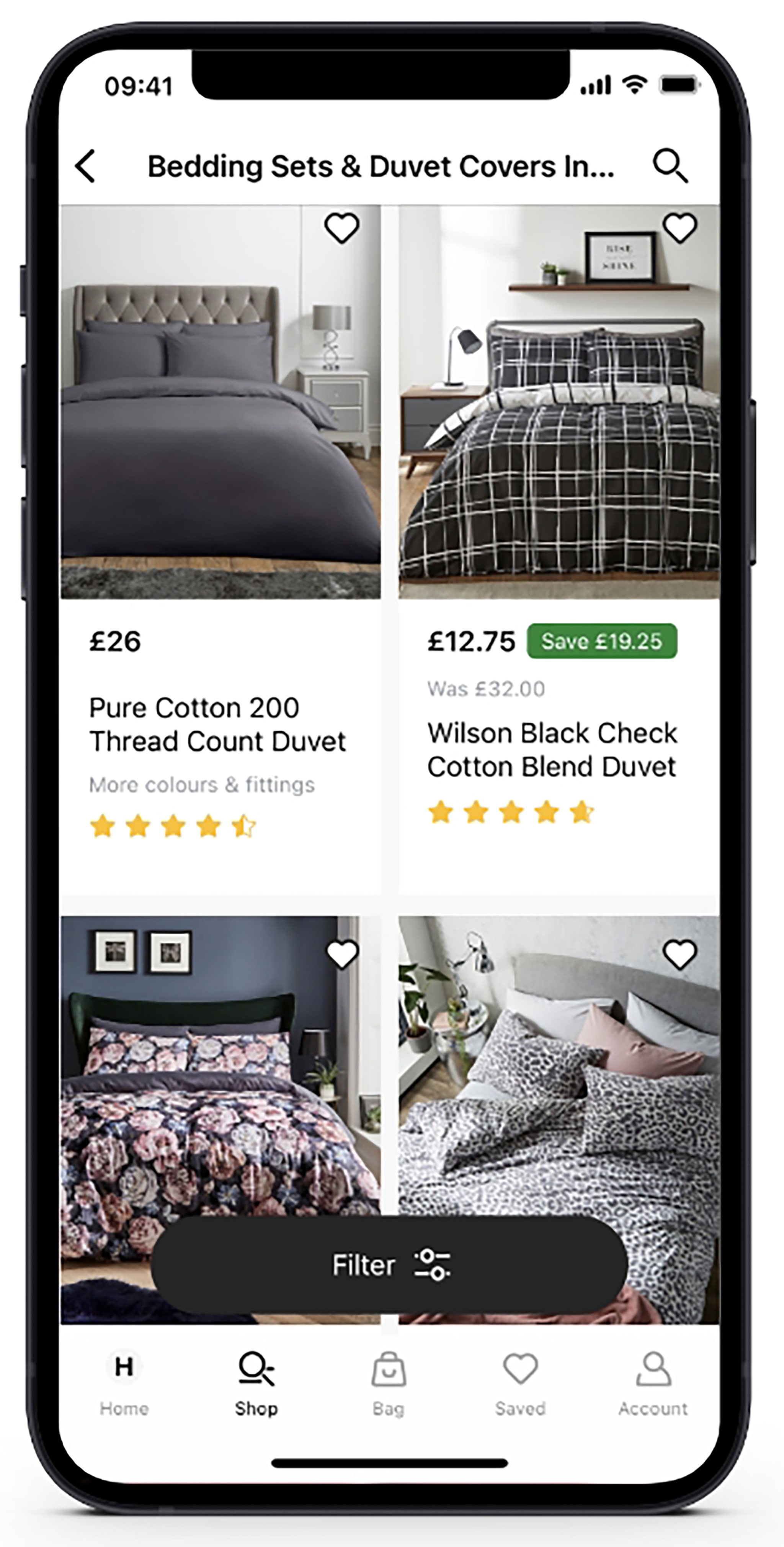
Create your dream home with our wish-list feature
Notifications mean you'll never miss an amazing deal.